
How Modern Service Firms
Scale Operations on CoreBase.
Explore complete operational architectural guides, statutory compliance cadences, firm SOPs, and system effectiveness benchmarks engineered specifically for CA, CS, tax consultants, and corporate service firms.
Missed Compliance Deadlines
Automated recurring triggers & push reminders
Reduction in Admin Overhead
Centralized client document vaults & magic links
Faster Fee & Receivables Recovery
GST tax invoices with instant WhatsApp UPI QR
Team Workload Transparency
Granular squad member assignments per service
CoreBase Operating System in Action
Module-wise technical walkthroughs and practice playbooks recorded by our founding software engineers for CA partners, tax consultants, and operations teams.
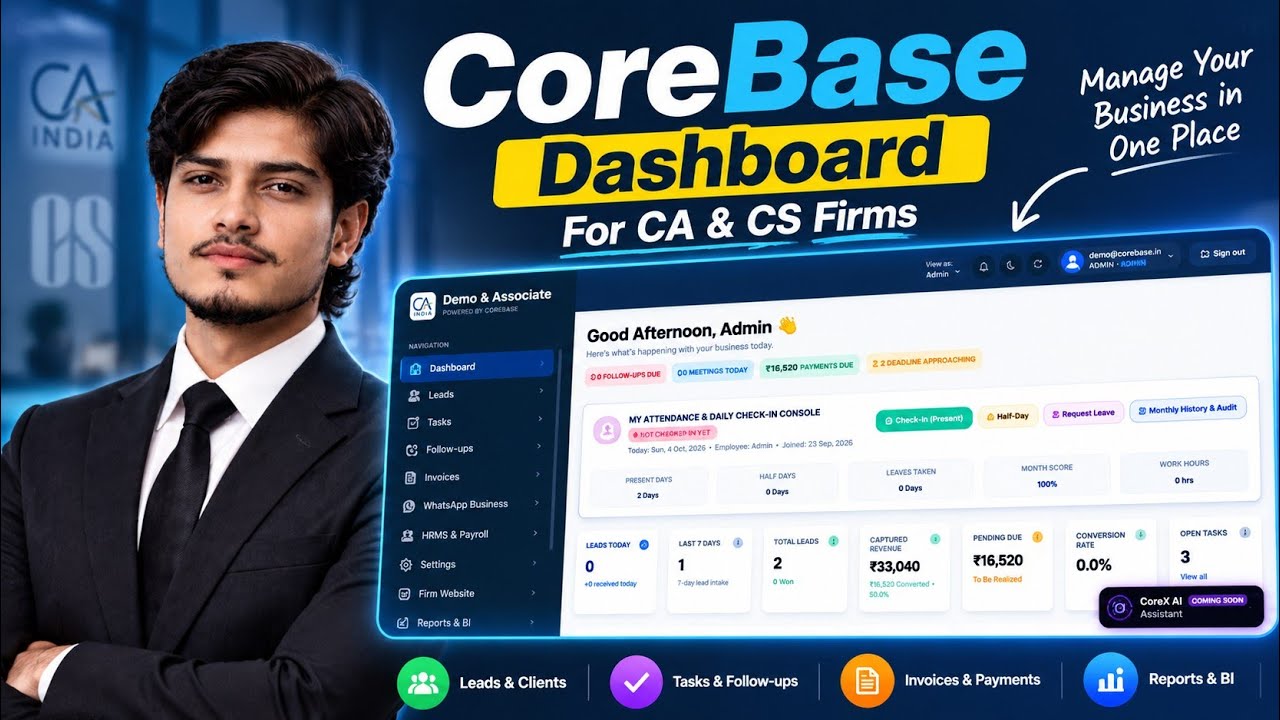
CoreBase Dashboard Overview | Module 1 – CA & CS Firm Management
Comprehensive walkthrough of the CoreBase firm operations cockpit: real-time 5-KPI operations ribbon, synchronized employee attendance monitoring, overdue compliance bottlenecks, and quick partner action drawers.
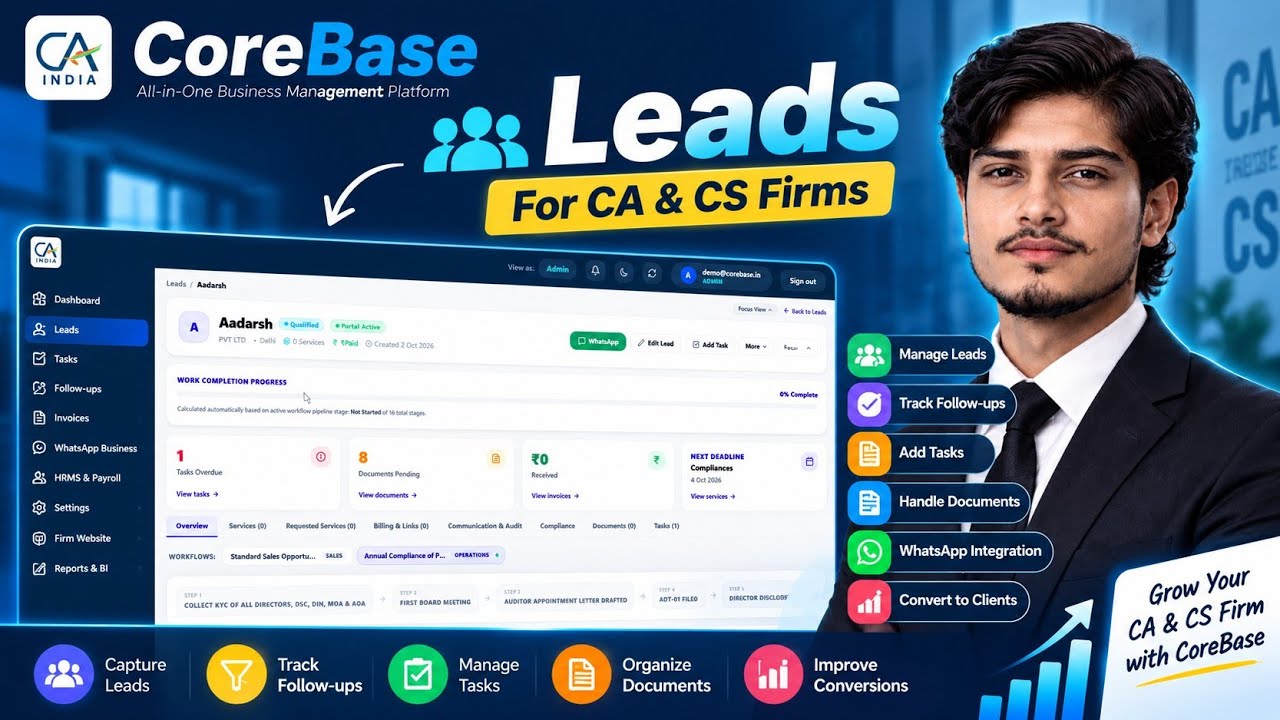
CoreBase Leads Management | Module 2 – Lead Management for CA & CS Firms
How professional service firms capture incoming statutory service enquiries, qualify opportunities, assign handlers, schedule meetings, and convert won leads directly into active client profiles.
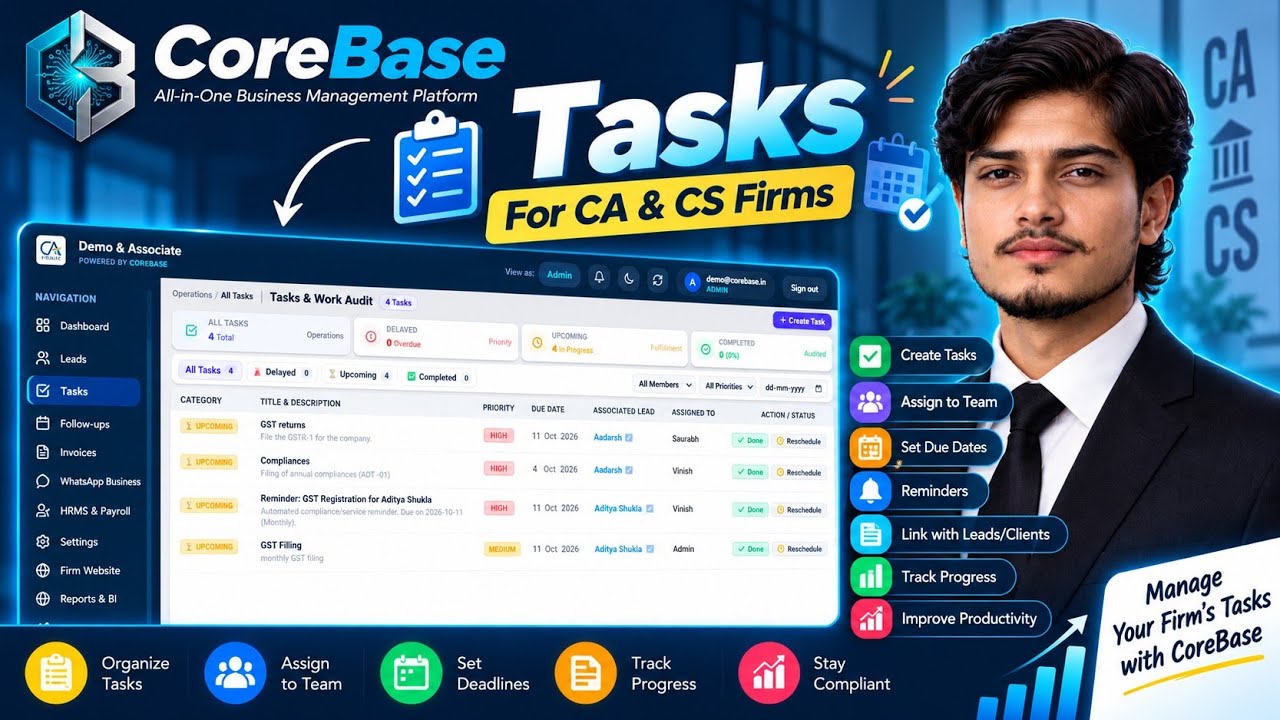
CoreBase Task Management | Module 3 – Tasks for CA & CS Firms
Mastering statutory service delivery: assigning work to article clerks, tracking GST/MCA/ITR filing deadlines, multi-step subtask checklists, and overdue risk mitigations.
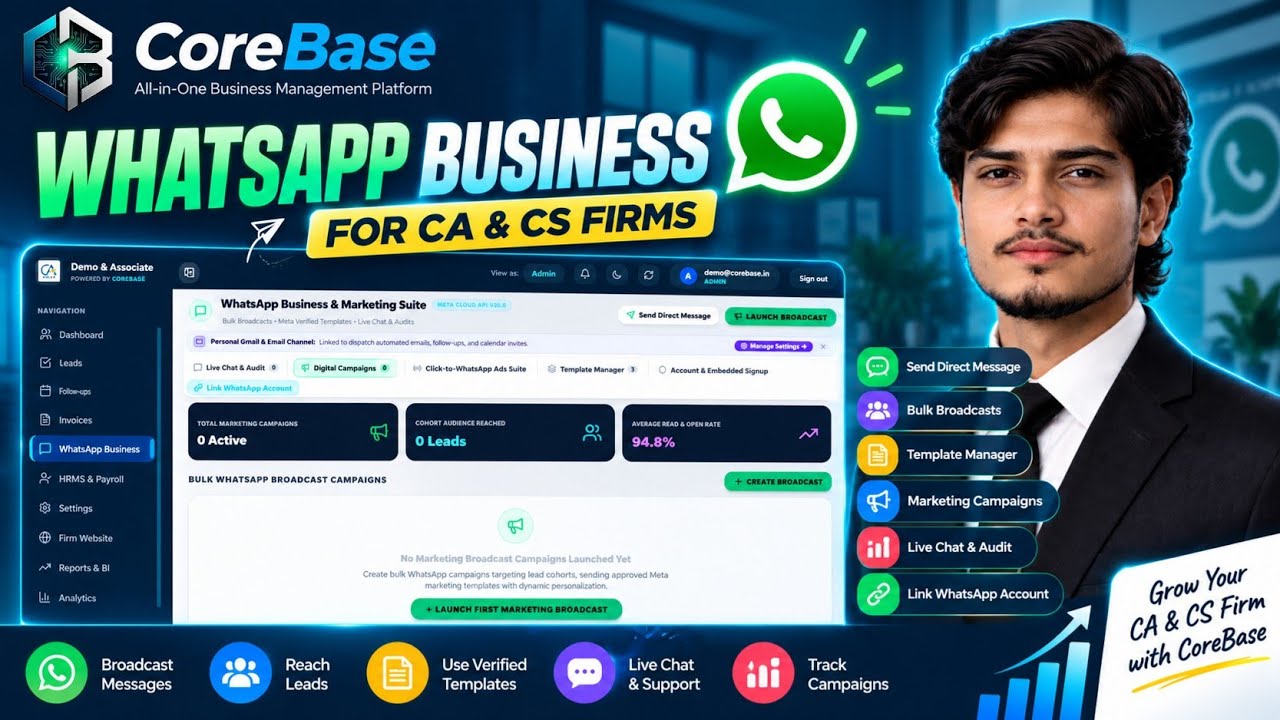
CoreBase WhatsApp Business | Module 4 – WhatsApp & Marketing for CA & CS Firms
Automating client communication with Meta WhatsApp Cloud API — pre-approved template alerts for tax filing due dates, dynamic UPI payment link dispatches, bulk broadcasts, and two-way client chat.
How the CoreBase OS Transforms Service Firms
Explore the five interconnected systems that allow high-growth professional firms to replace fragmented spreadsheets with automated certainty.
Multi-Service Ingestion & Retainers
Bundle one-time incorporations and recurring retainers into a single transparent client file.
Traditional Firm Chaos
- Client requests 3 services (GST, ROC, Accounting) across scattered WhatsApp chats and notebooks.
- No central record of what scope was quoted vs what is currently being executed.
- Ad-hoc out-of-scope work performed by staff without extra billings or retainer updates.
- Lost paperwork and forgotten customer follow-ups lead to revenue leakage.
CoreBase Operating Solution
- Unified client file bundles unlimited one-time services and recurring retainers simultaneously.
- Every service tracks its own SLA target, fee quote, billing cadence, and completion status.
- Real-time pipeline stepper connects directly to client onboarding forms and web intake.
- Zero scope creep: out-of-scope requests instantly generate new billable service cards.
Statutory Compliance & Cadence Roadmap
See the exact legal rhythms professional service firms must execute in India, and how CoreBase automates each deadline to ensure zero statutory penalties.
GSTR-1 Outward Supplies Return
Authority Portal: GSTN PortalSummary of all outward B2B and B2C sales invoices generated during the previous tax period.
₹50/day (₹20/day for NIL return) up to ₹5,000 per return
CoreBase automatically pulls issued invoices from Invoice Studio, validates GSTINs, and creates review tasks for assigned GST clerks 4 days prior.
EPF & ESI Monthly Contribution Deposit
Authority Portal: EPFO & ESIC PortalsGSTR-3B Summary Return & Tax Settlement
Authority Portal: GSTN PortalFirm Playbooks & Operating SOPs
Battle-tested standard operating procedures used by high-performance professional firms. Read inline or adapt into your firm's daily operations.
Client Onboarding & KYC Intake Protocol
Standardized 7-stage intake protocol to onboard new clients, eliminate missing KYC records, and configure recurring billing agreements within 24 hours.
Zero-Penalty GST & ROC Review Chain
The multi-tier review framework used by leading CA firms to delegate statutory filings to article staff while guaranteeing 100% partner oversight.
WhatsApp Fee Recovery & Retainer Protocol
A proven 3-touchpoint automated WhatsApp & UPI sequence that compresses firm debtor collection days from 45 days down to 6 days.
Service Squad Capacity Balancing Framework
How practice leaders balance staff allocations across peak tax audit and MCA filing seasons without staff burnout or missed deadlines.
Firm Capacity & Fee Recovery ROI Calculator
Adjust the sliders below to calculate the exact hours saved, receivables acceleration, and capacity unlocked for your firm by switching to CoreBase.
Estimated Operational Gains
Integrations & Security Architecture
Built on modern cloud-native standards with bank-grade multi-tenant data isolation and native communication connectors.
Meta WhatsApp Cloud API
Client CommunicationOfficial Meta Cloud API integration. Send automated compliance reminders, missing document requests, and tax invoices directly to client WhatsApp without personal phone dependency.
Razorpay & Dynamic UPI QR
Payment GatewayDirect integration with Razorpay sub-merchant accounts and NPCI UPI. Invoices automatically generate dynamic UPI QR codes and short payment links with zero manual reconciliation.
Google Workspace & Custom SMTP
Email & OutreachConnect your official firm domain email via OAuth or secure custom SMTP. Dispatches formal proposals, engagement letters, and payment notices with full audit logs.
Meta Ads & Inbound Lead Forms
Acquisition EngineCapture prospective incorporation and tax clients directly from Facebook and Instagram lead forms without Zapier or third-party middleware.
Bank-Grade Security & Data Governance
How CoreBase safeguards sensitive client financials, PANs, GST credentials, and audit workpapers.
Strict Multi-Tenant Isolation
Every database query enforces company_id scoping at the ORM layer. Client files, documents, and invoices of one firm are strictly isolated and inaccessible to any other tenant.
Encrypted Document Vault & Signed URLs
Client KYC files and statutory certificates are stored with AES-256 server-side encryption. Public access is disabled; downloads require short-lived, cryptographically signed URLs.
Granular Role-Based Access Control (RBAC)
Enforce strict separation between Partners, Managers, Senior Associates, Article Clerks, and Accounts staff. Clerks can only view assigned services; billing remains restricted.
ICAI & Regulatory Compliance
Designed to meet ICAI professional ethics and statutory data preservation standards, including permanent audit trails for all status changes and document revisions.
Practice Operations & Platform FAQs
Common architectural and operational questions from firm partners evaluating CoreBase for their practice.
Have a specific operational workflow question? Talk directly with our practice advisory team ➔
Run Your Service Firm with
Automated Certainty & Zero Missed Deadlines.
Join hundreds of modern Chartered Accountants, tax practitioners, and corporate service firms operating on CoreBase. Schedule a personalized firm setup with our sales engineering desk.